Introduction
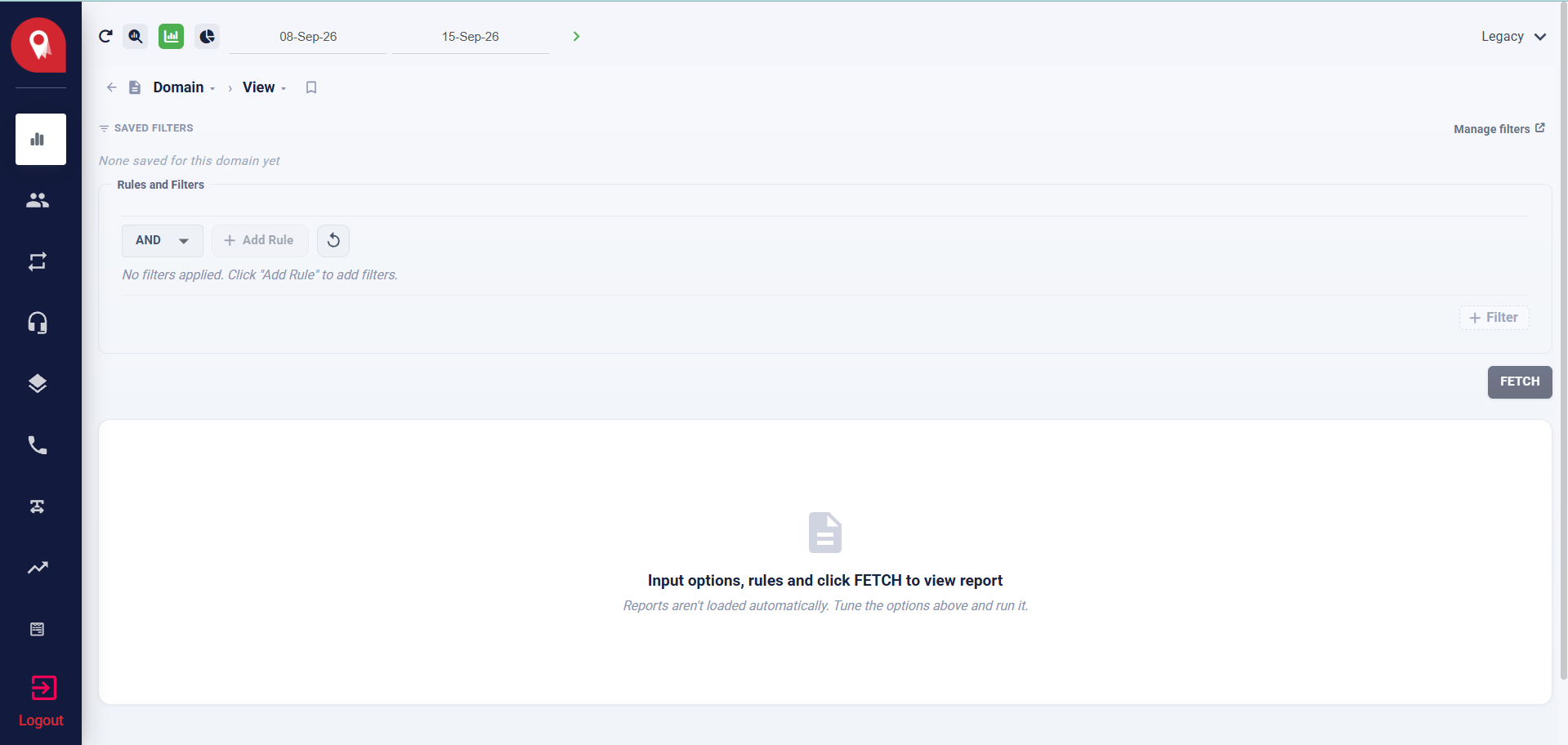
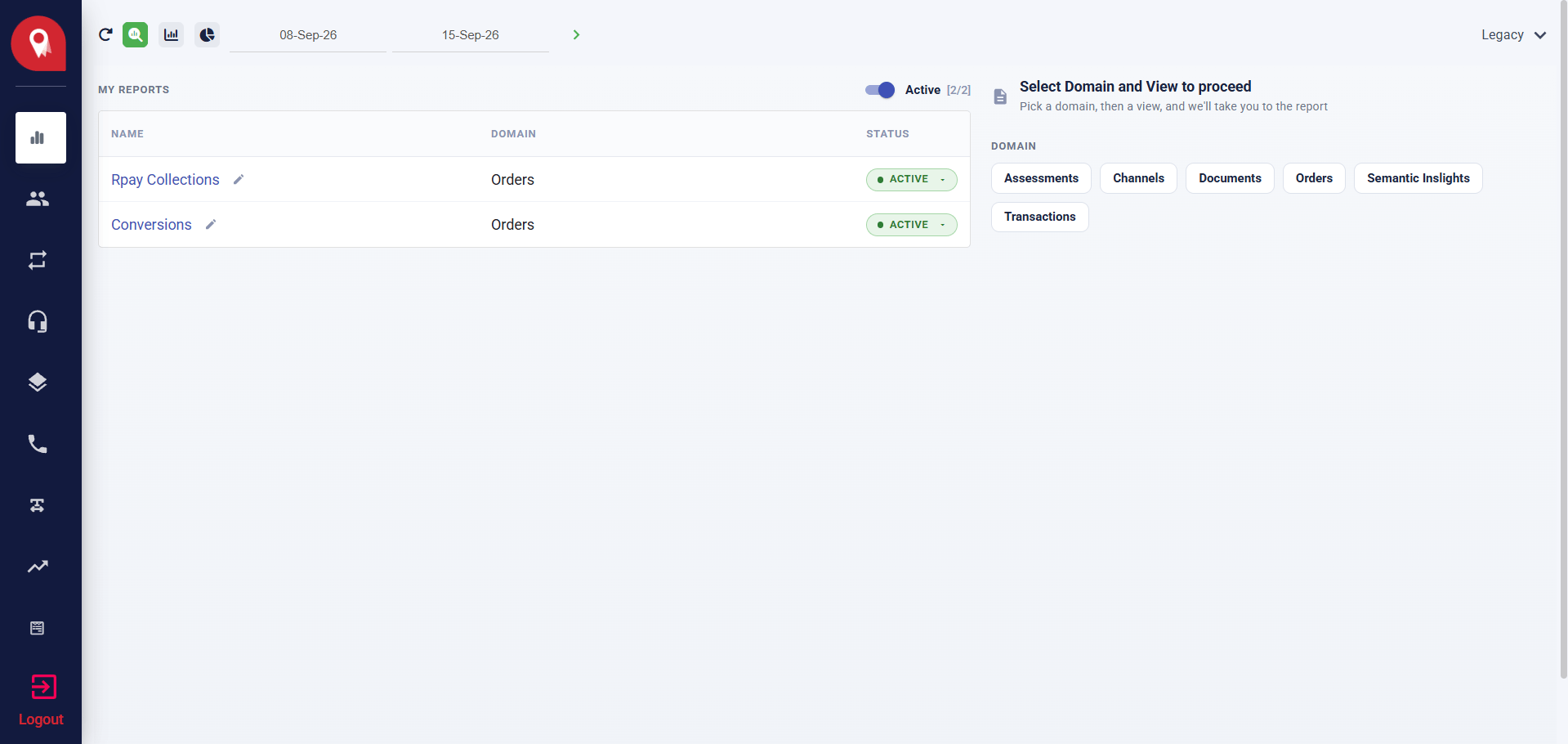
Data & Reports is where you query, visualise, and export activity data from across your platform. It organises data into domains — such as Orders, Transactions, and Channels — and gives you three modes for working with that data: a visual tile view, a structured report view, and a rule-based query builder. It is designed to support:- Reviewing saved reports built for your organisation
- Exploring activity trends across a selected date range
- Filtering and grouping data by dimensions relevant to your operations
- Exporting results for external reporting
Navigating to Data & Reports
Open Data & Reports from the left navigation bar. The icon is a bar chart. The module opens to the landing view showing your saved reports and the domain selector.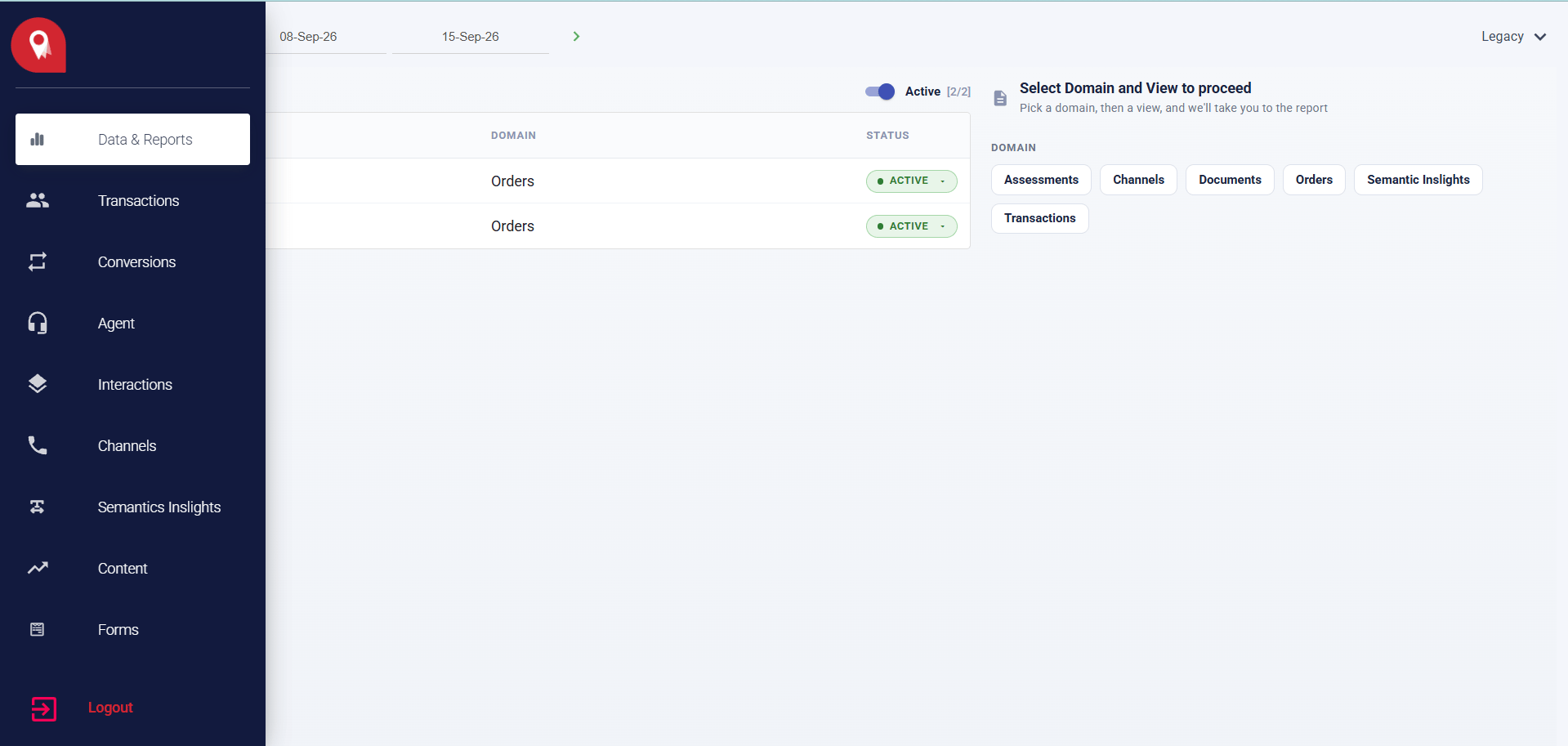
Date Range
The date range selector sits in the top bar and applies to everything in the module. Set your start and end date before opening any report or running any query.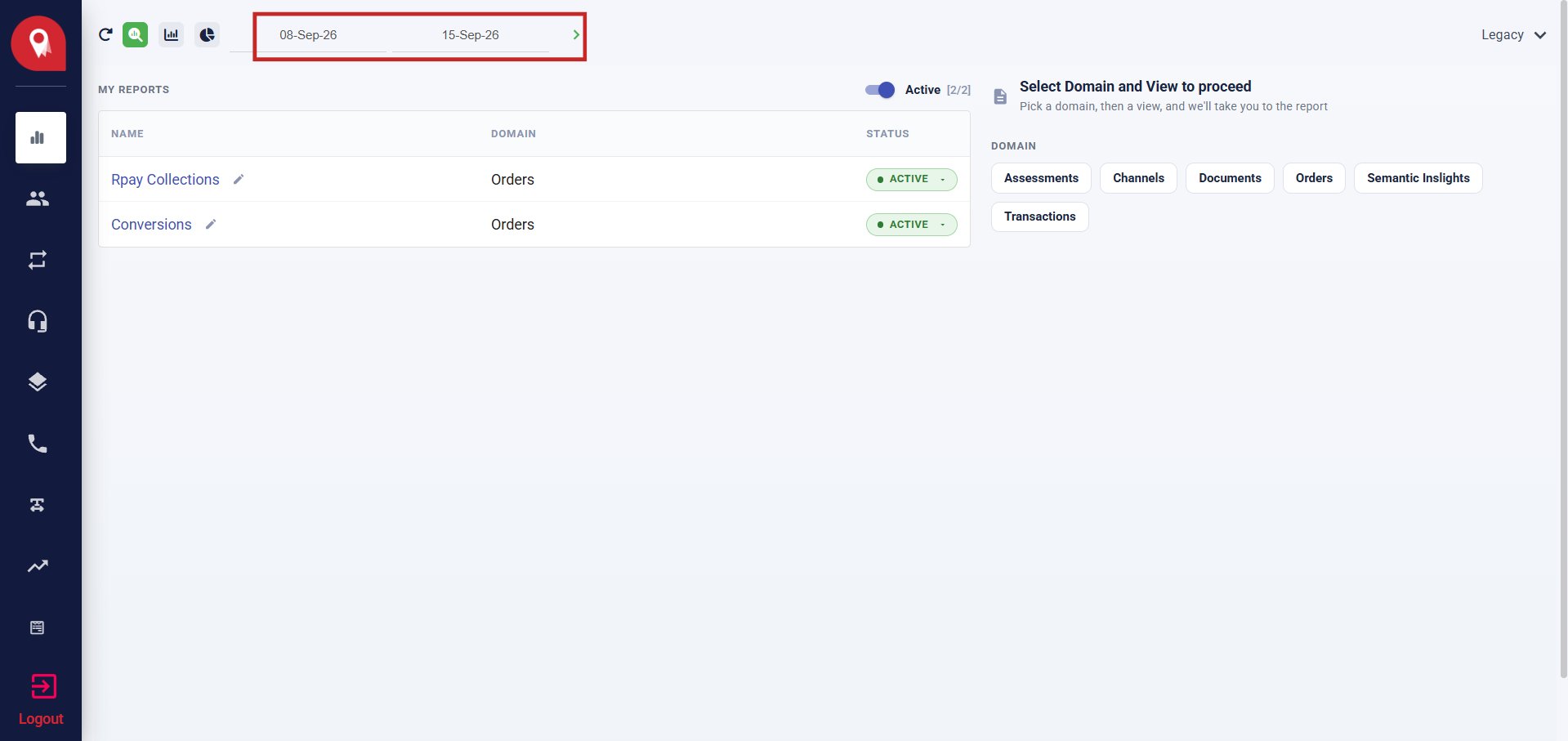
The date range persists across modes. Changing it in one mode updates all views.
Domain Selector
The right panel prompts you to pick a domain and a view. Select a domain pill to filter the available views beneath it.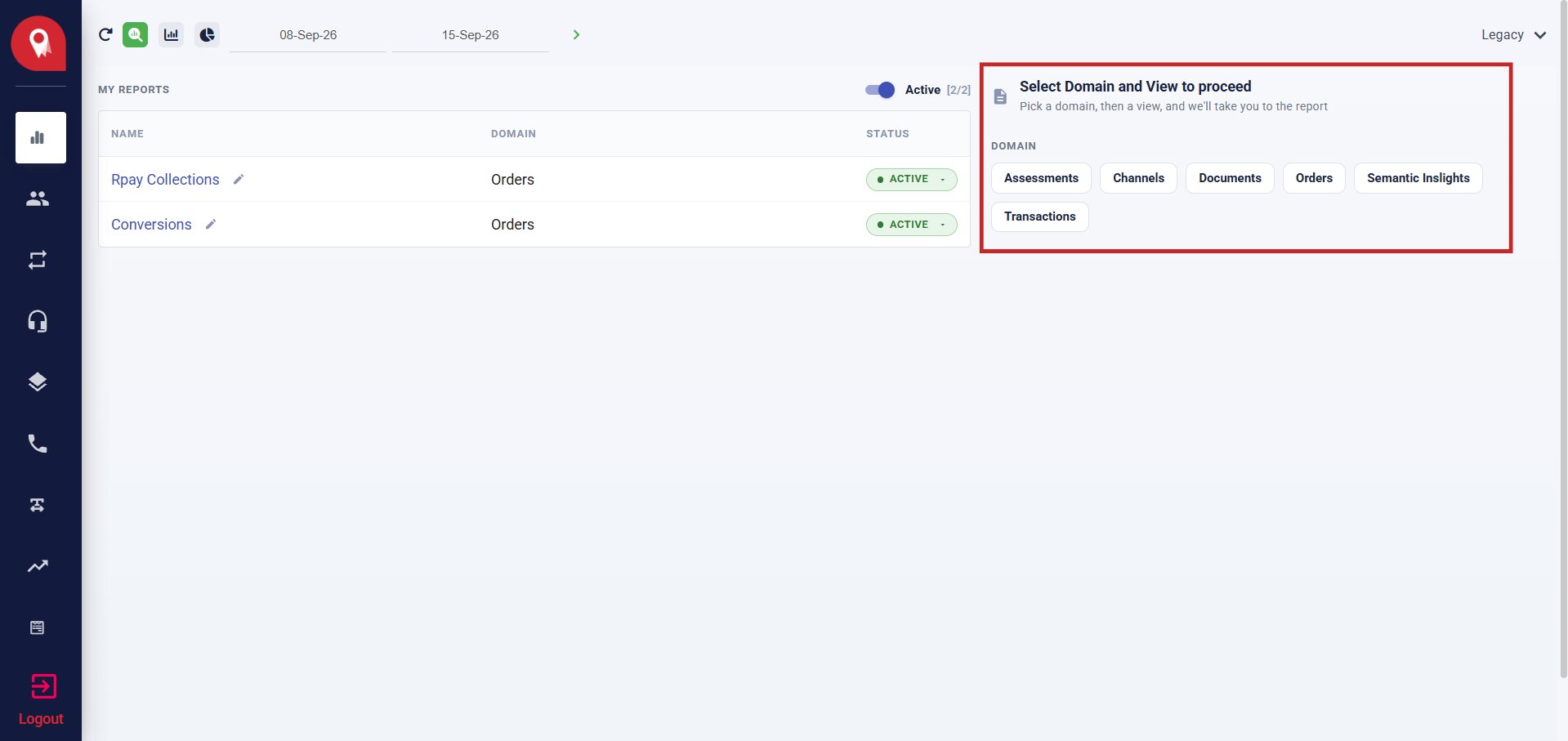
Once you select a domain and a view, the module opens in the last-used mode for that combination.
The Three Modes
Three mode icons sit in the top bar, to the left of the date range. They switch how data is presented without changing your domain or view selection.- View Tiles
- Report
- Query Builder
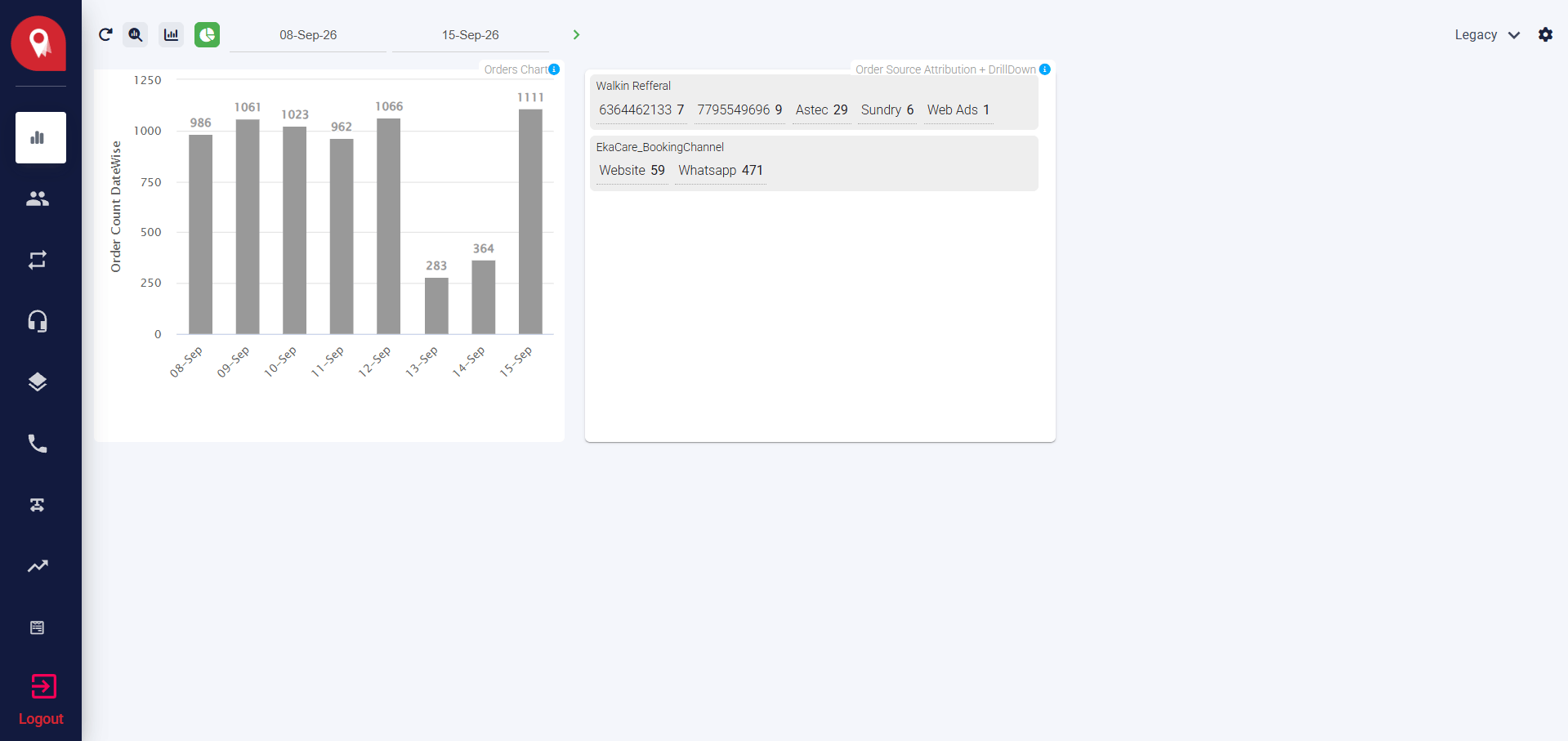
- Orders Chart — a bar chart of daily order volume across the selected date range. Each bar represents one day.
- Order Source Attribution + DrillDown — a breakdown of orders by referral source and booking channel, showing counts per sub-source.