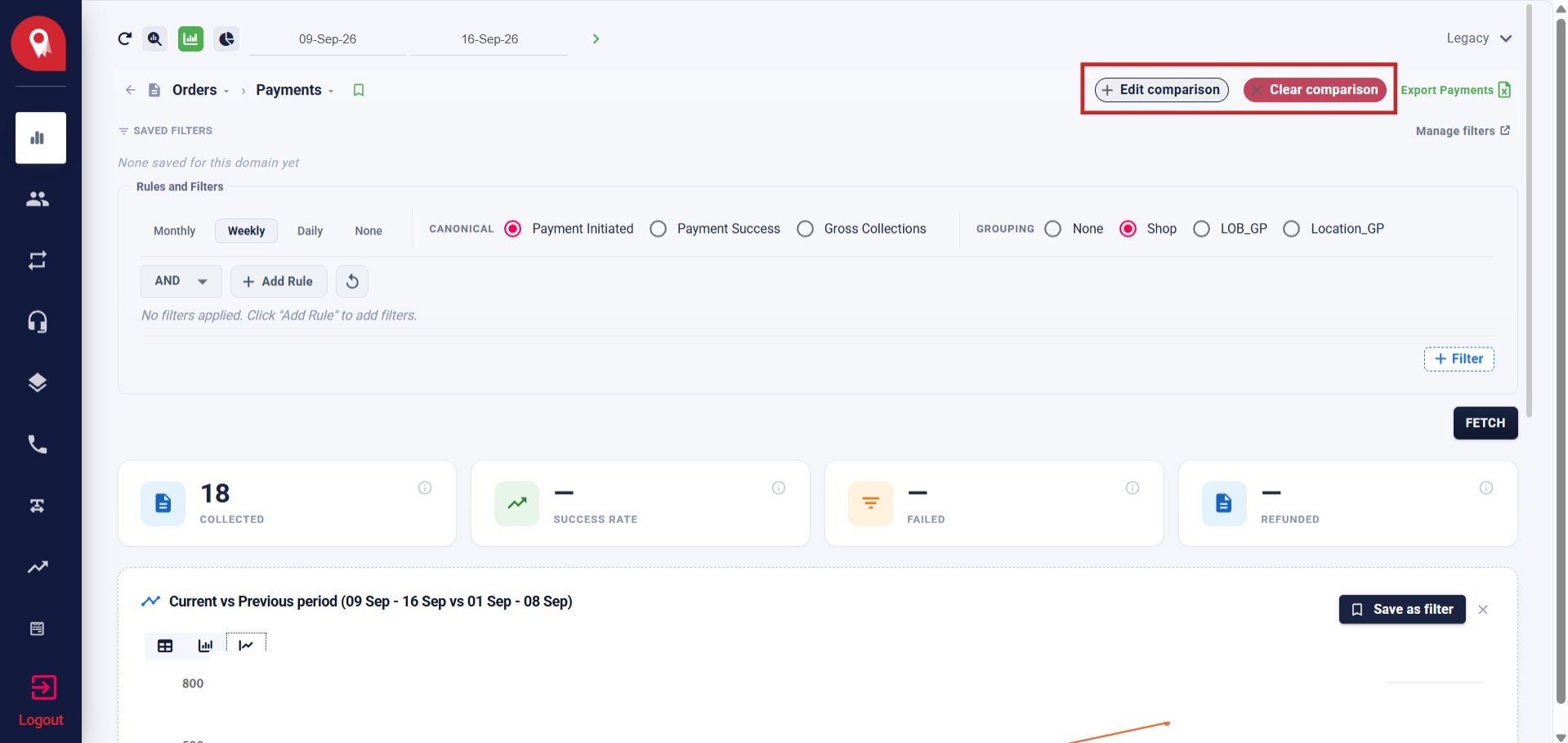
Overview
The comparison feature lets you run two data sets side by side on the same chart. You can compare against a different filter configuration or against the immediately prior period of the same length. Only one comparison can be active at a time.Opening the Comparison Modal
Click Add comparison (top right of the Payments report) to open the modal. Select one of the two available modes before clicking Compare.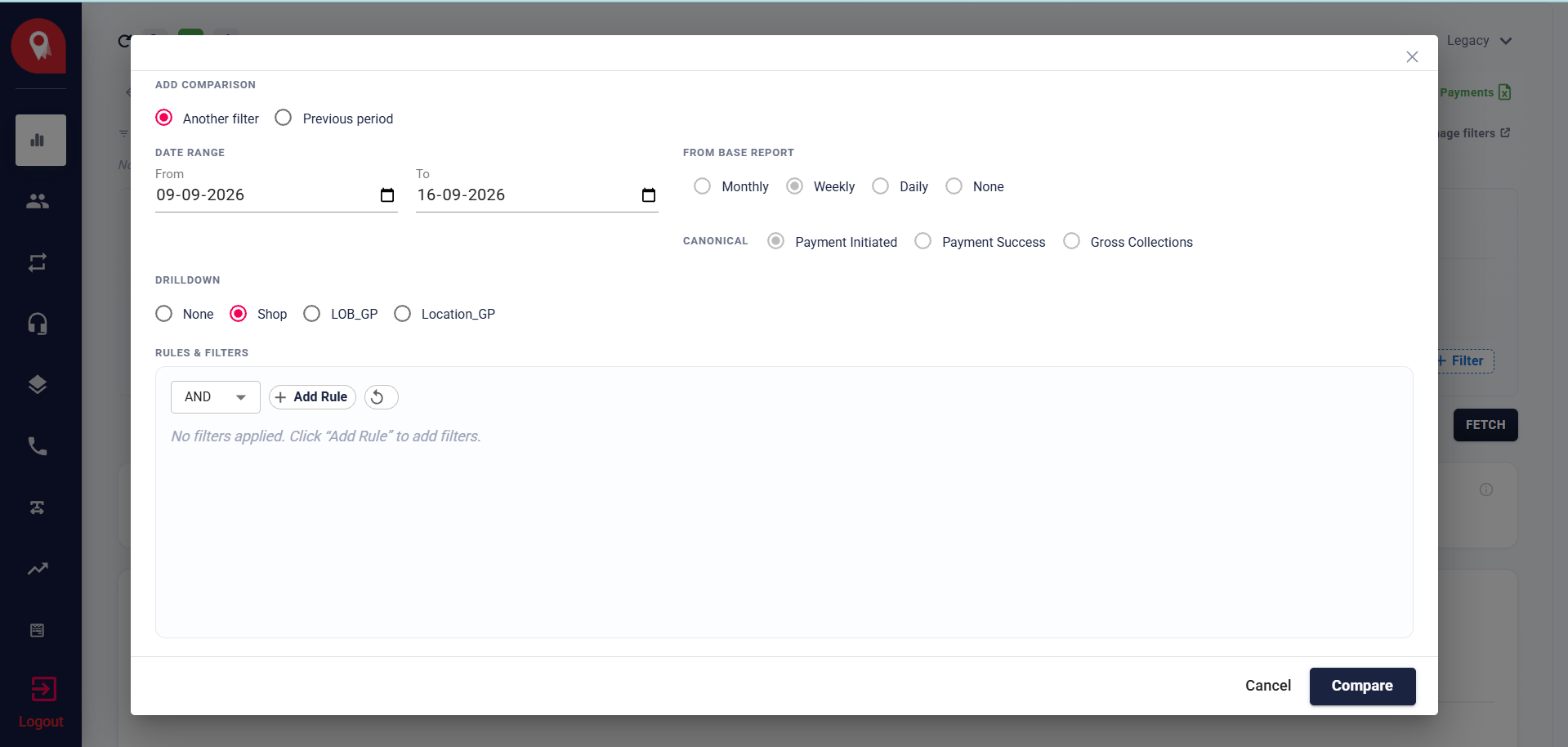
Mode 1: Another Filter
Select Another filter to run the comparison against a different set of rules, date range, canonical, or drilldown. The comparison runs independently of the base report.
Click Compare to run both reports and render them side by side.
Mode 2: Previous Period
Select Previous period to re-run the same report over the immediately prior window of equal length to your current date selection. No additional configuration is needed.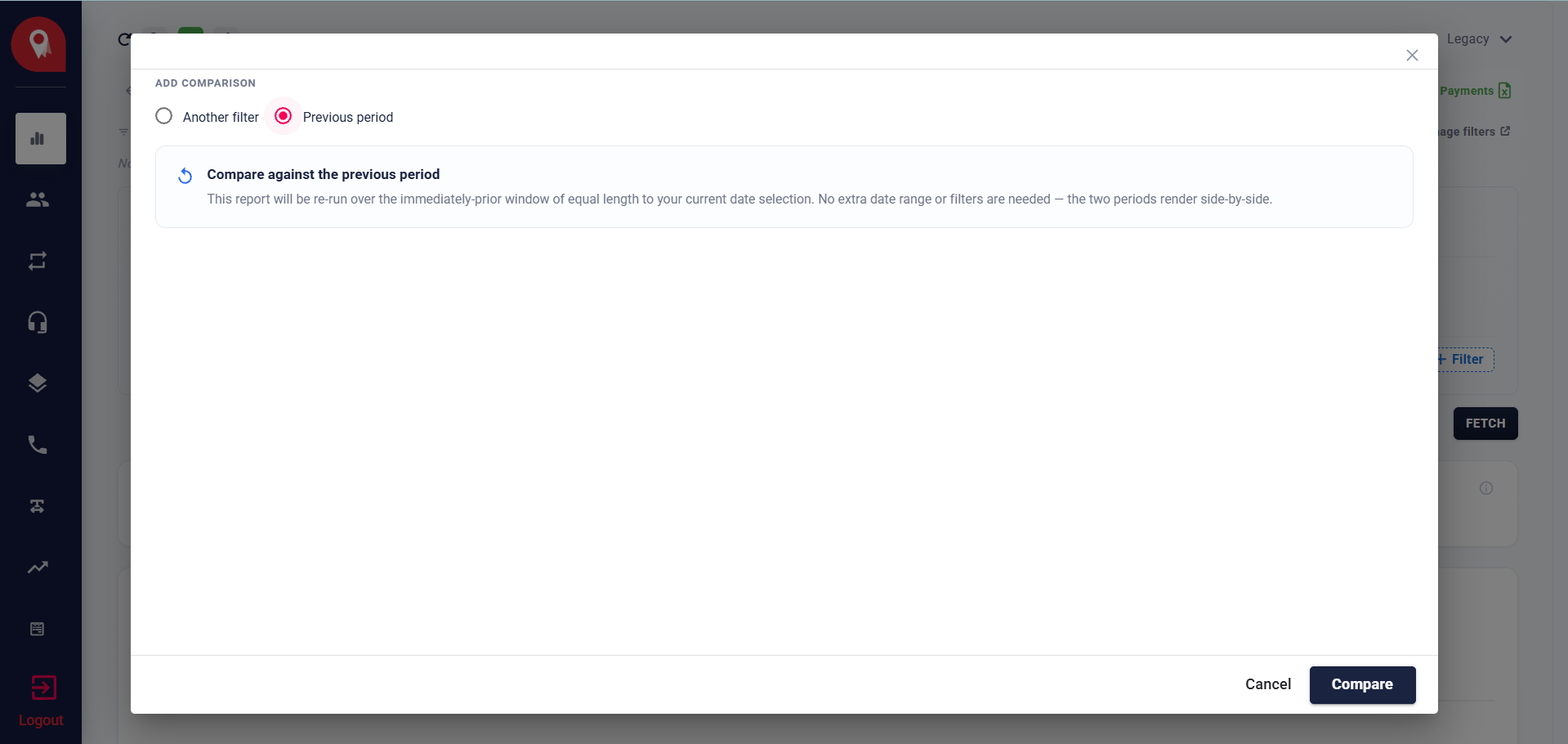
Previous period is only available when granularity is set to Monthly, Weekly, or Daily. It is not available when granularity is set to None, because a report with no time buckets has no periods to compare against.
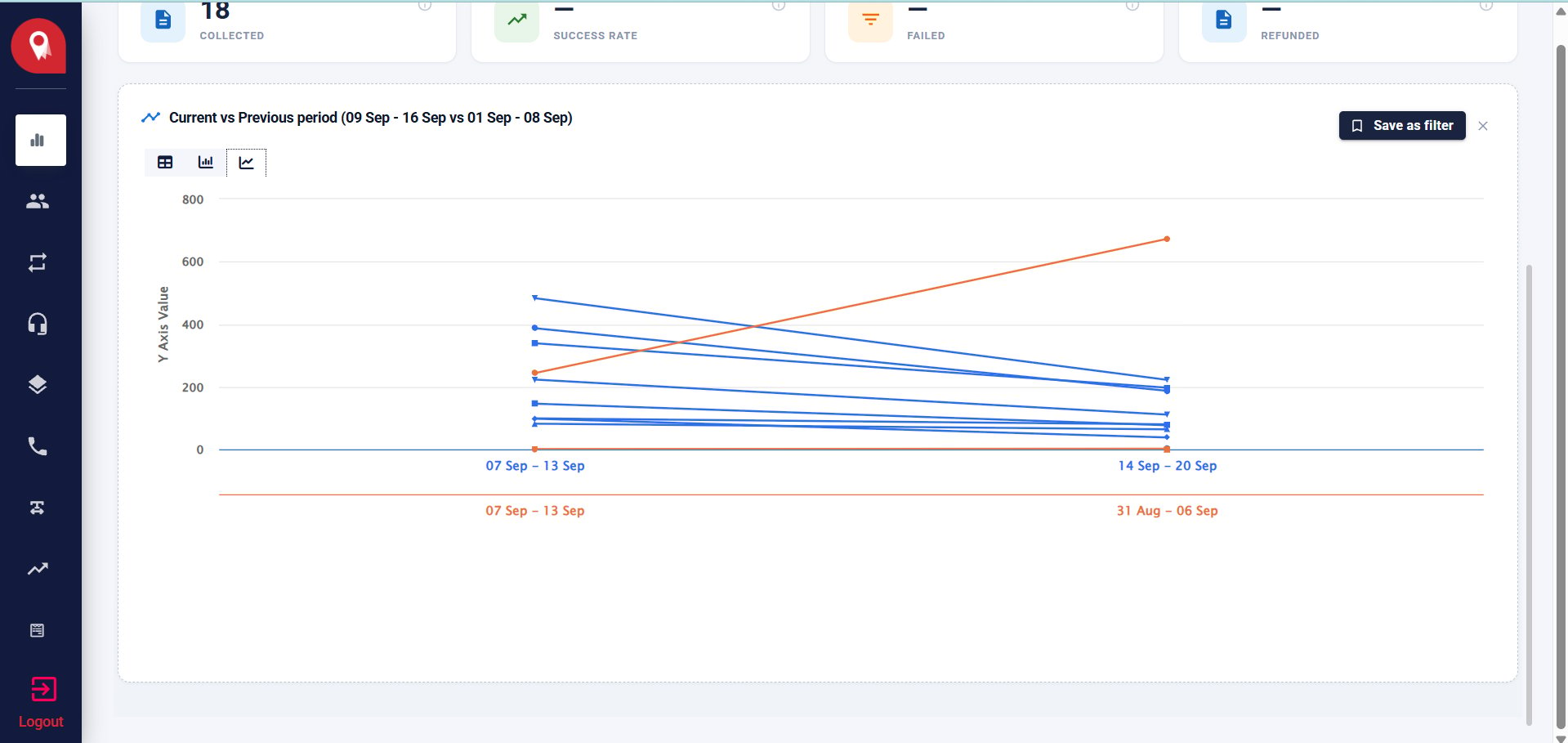
How the Chart Renders
Both series appear side by side on the x-axis after clicking Compare. Each series is labelled by:- Previous period - the date range for each period (e.g. 01 Sep - 08 Sep and 09 Sep - 16 Sep)
- Another filter - the name of each filter
Saving a Comparison
If you save the report as a filter after setting up a comparison, the comparison mode is saved with it and restored the next time you open that filter. The dates are never saved. They are always re-derived from the date range you have selected when you open the report.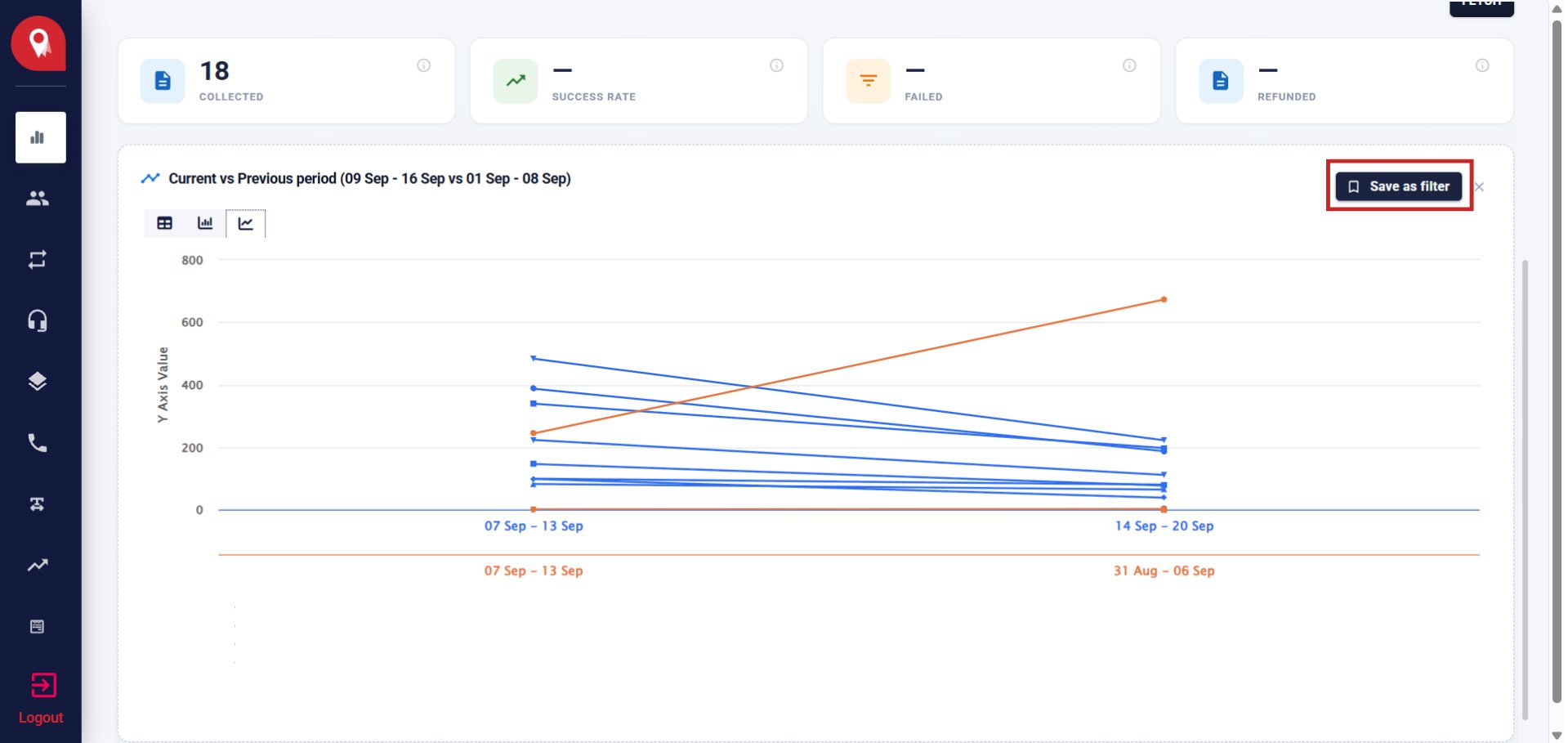
Removing a Comparison
To remove a comparison, open the modal and click Cancel without selecting a mode, or re-save the filter without a comparison configured.