
Overview
External Values Import writes attribute values onto customer or patient records that already exist in NeuronCx — for example, billing or service details from a third-party system like Akhil. It’s typically run after External Identity Import (Type 24) has already established the person; this import fills in the details tied to them.Prerequisites
Before running this import, you need a mapping set up that tells NeuronCx which sheet columns become which values.- The mapping must be created as an attribute mapping (TPS Param Mapping) — this is specific to values imports.
- Setting it up involves:
- Create Integration — select the third-party source these values come from (for example, Akhil External ID).
- Create Values — each value can be:
- Static — a single sheet column matched directly to a single attribute (for example, Service Id).
- Dynamic (nested/child attributes) — used when one field can hold several different values (for example, a payment field that could be Cash, Credit, or Online).
- The attribute definitions for anything you’re bringing in must already exist in NeuronCx. This import never creates a new attribute — it only writes values against ones already set up for your institution.
- Every column your mapping refers to must actually be present in the sheet.
A mobile number column is still required, even though this import isn’t the one that creates the identity match — it’s used to find the right person to write values against.
Running the Import
1
Choose the import
From the Data Import list, find the import you want to run — for example, one filtered under TPS User Parameters — and click the arrow icon on that row to open it. 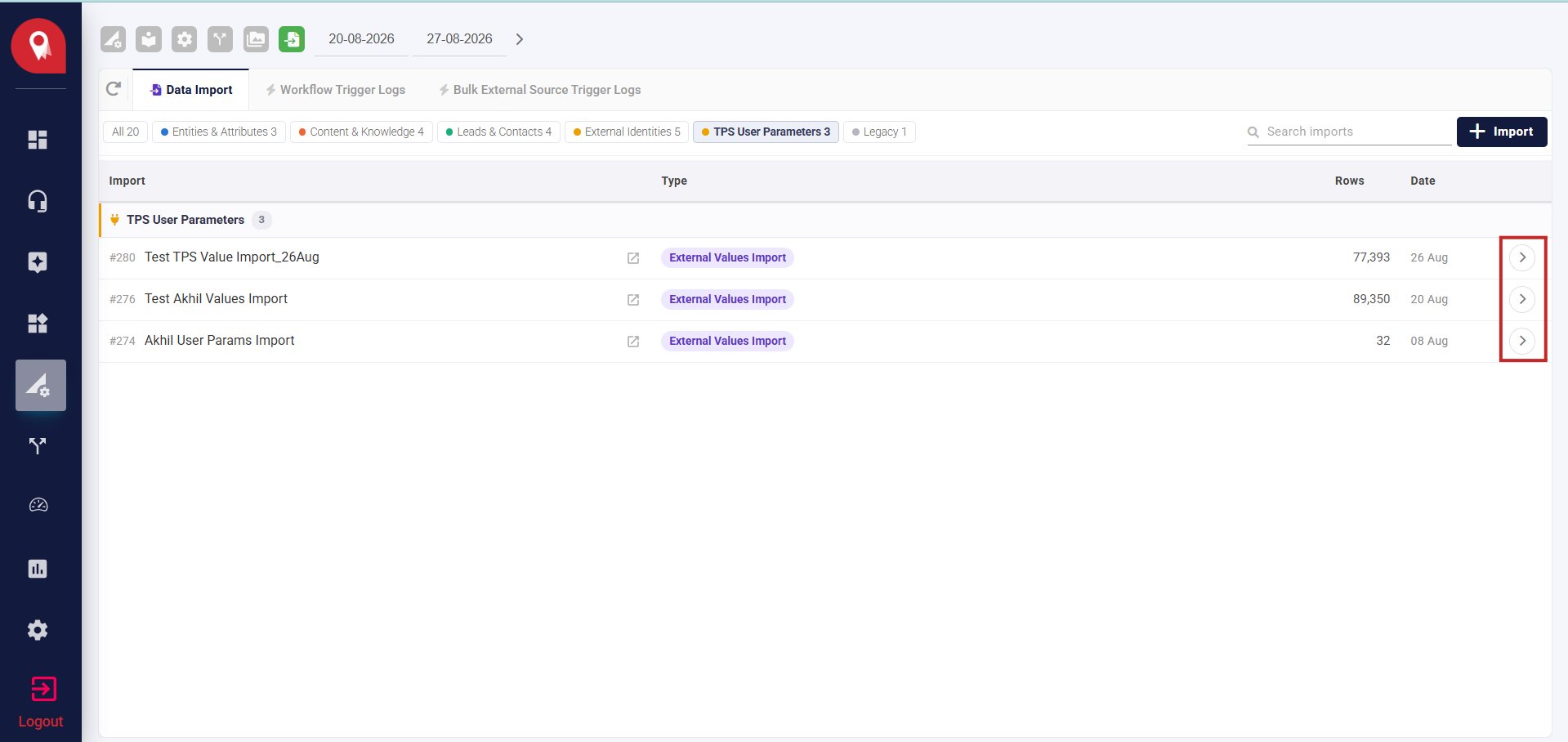
2
Select the mapping
Choose the mapping to use from the Mapping dropdown.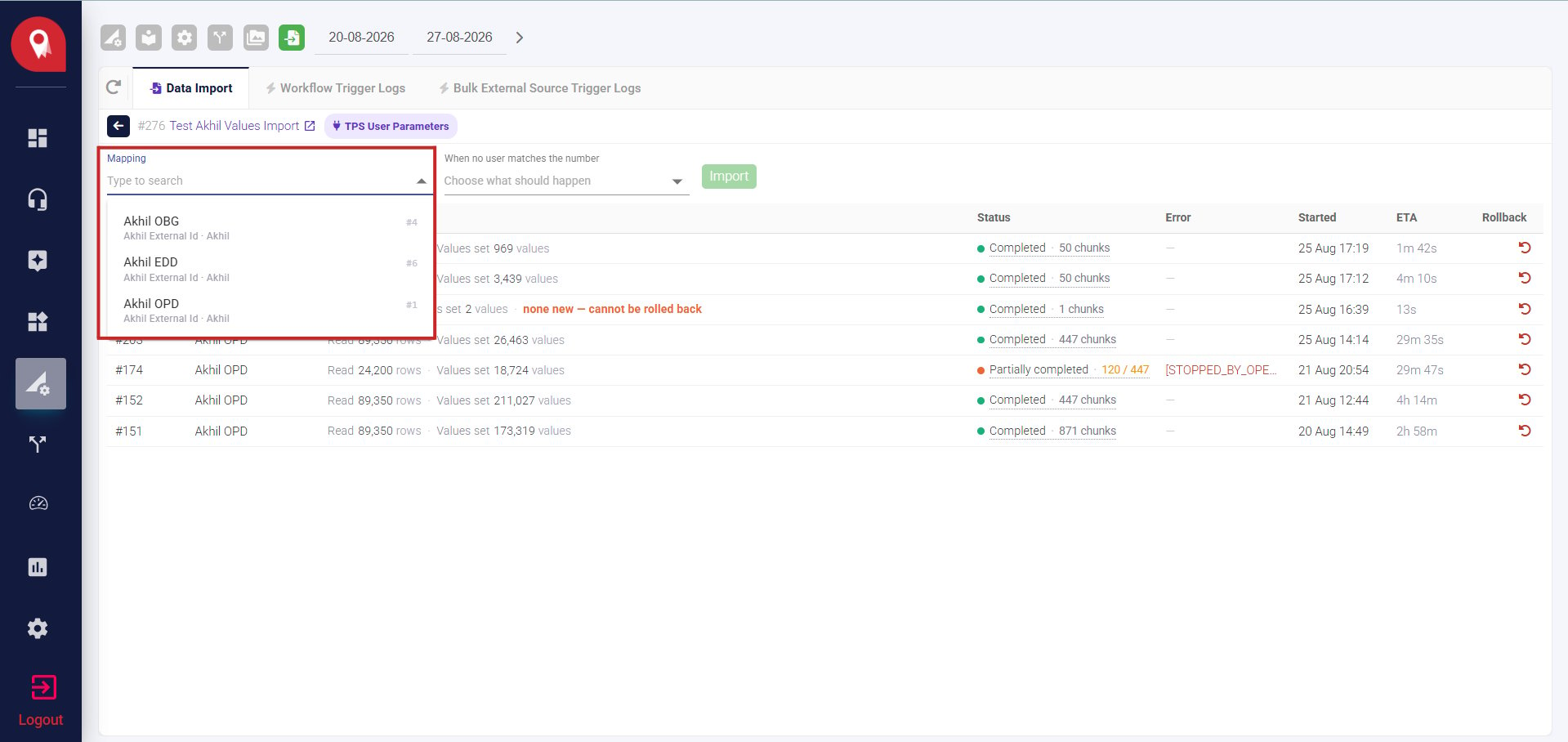
3
Choose what happens when there's no match
When a row’s number doesn’t match an existing record, NeuronCx can either skip the row entirely, leaving that data out, or create the transaction anyway, recording the values against a new record.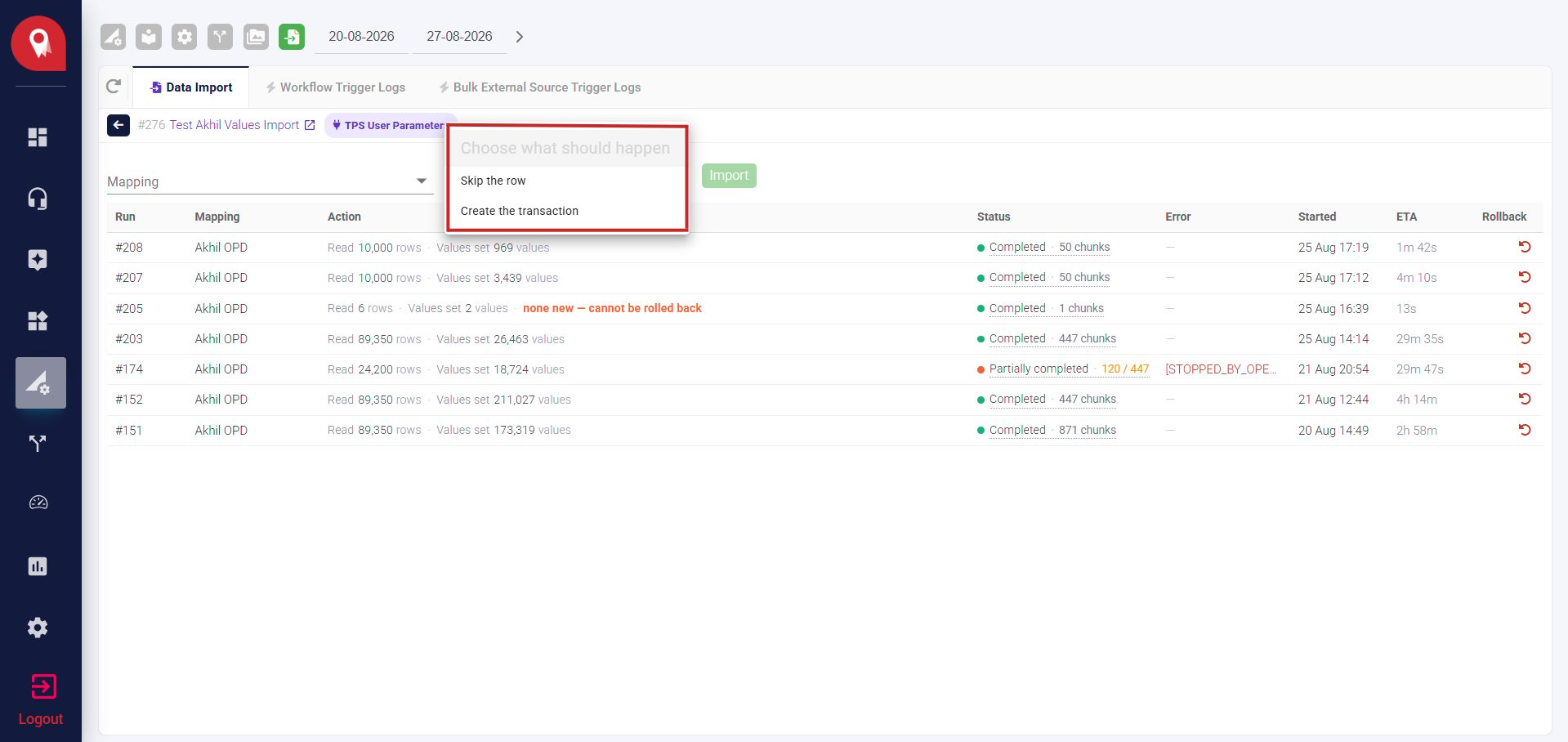
4
Import
Click Import to run it.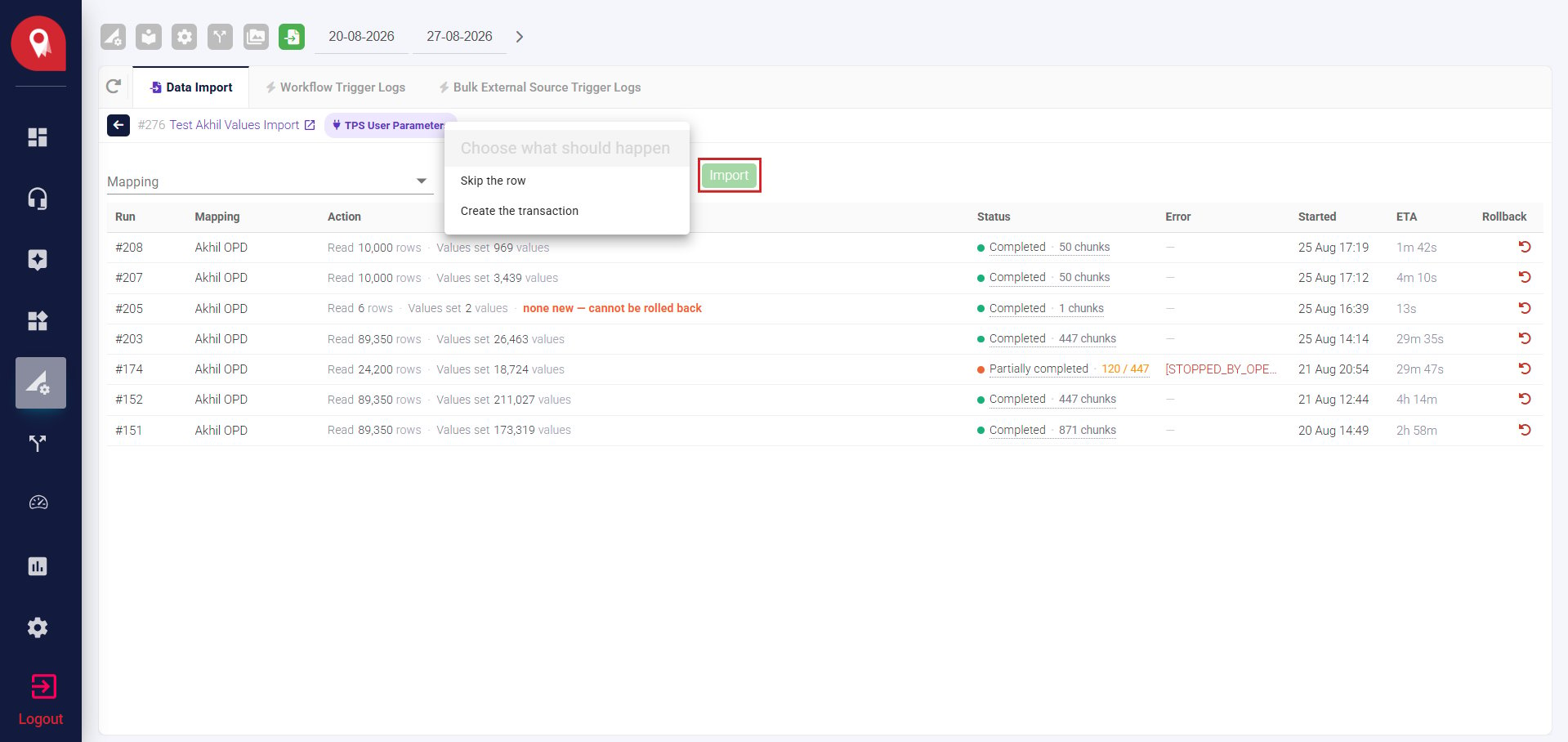
Checking the Result
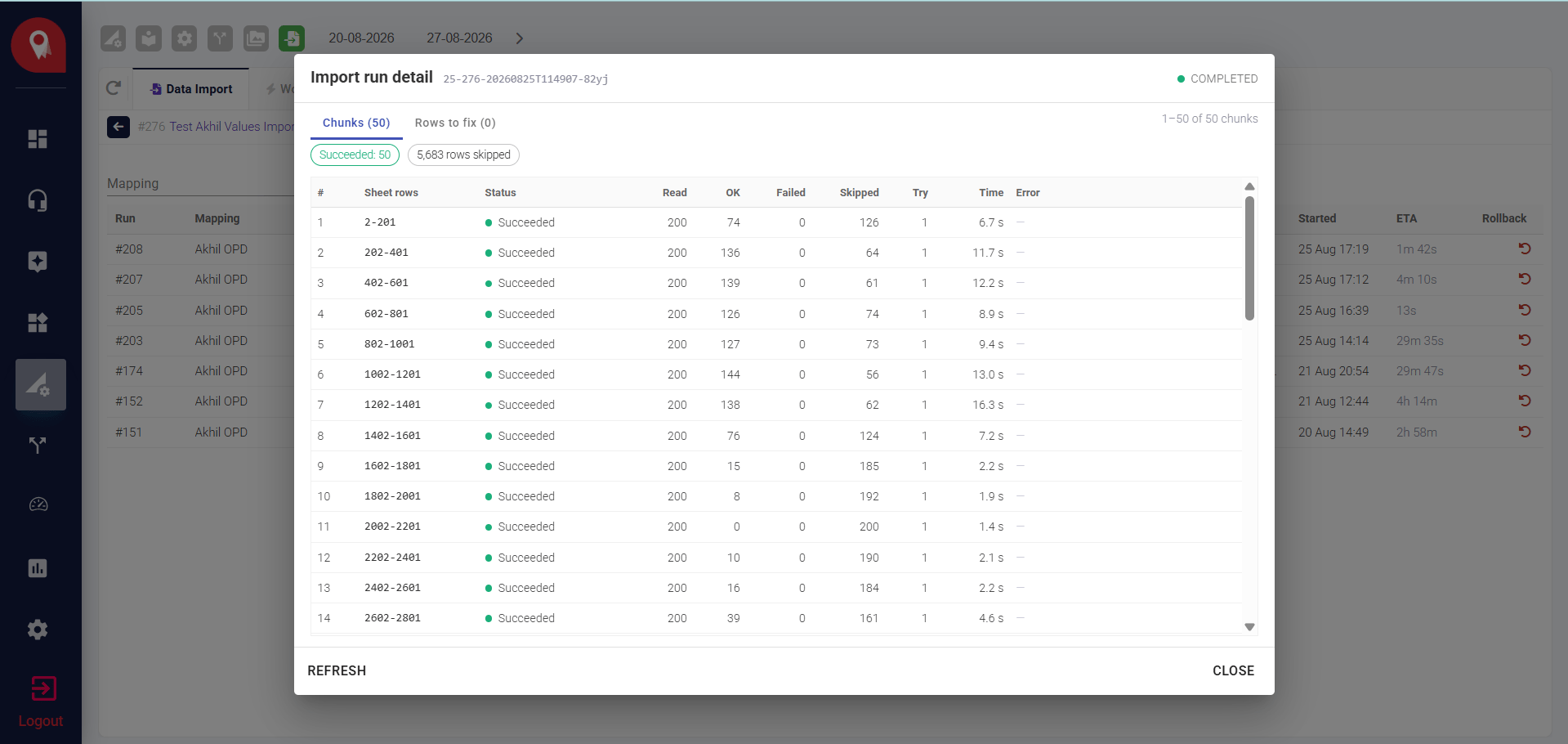
Limits to Keep in Mind
- Only Active mappings are used. A mapping that’s been turned off won’t be counted or applied, even if it still exists.